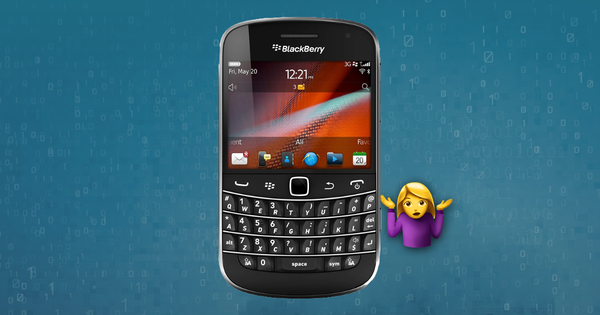
At Reincubate, we’ve long been driven by a simple idea: help people access and make sense of their data. Over the years that’s meant building a range of apps for different platforms and formats, enabling as many users as possible to recover, extract, and work with the information that matters to them. Today, we’re announcing that two of those apps, BlackBerry Backup Extractor and DMG Extractor, are being retired.
Both apps are no longer available for download or purchase. Existing users can continue to use the apps and we will honour our one-year license support commitment from the day of purchase, but no further updates will be released from now on.
An extractor for BlackBerry backups
Following the demand for iPhone Backup Extractor, we kept hearing: can you help me get my data off a BlackBerry, too? We built BlackBerry Backup Extractor to help people recover contacts, emails, SMS, MMS, BBM messages, and other data from .IPD and .BBB backup files, with no BlackBerry Desktop Manager installation required.
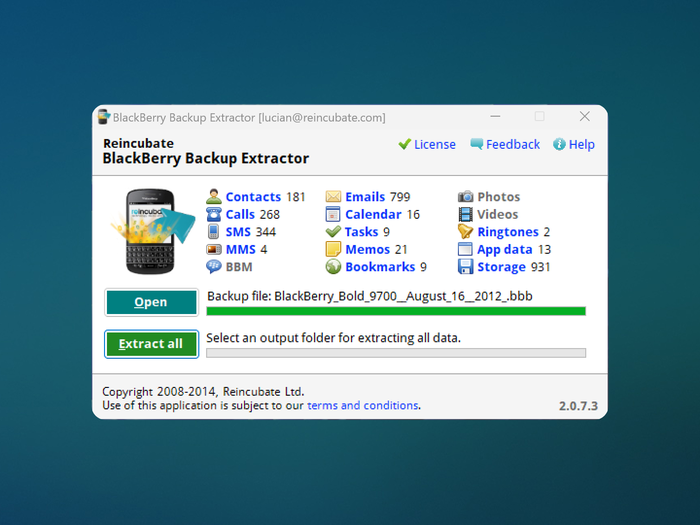
BlackBerry Backup Extractor running on Windows
It served its purpose well. For users who’d lost or broken a BlackBerry handset and needed to get at their data, it offered a simple, drag-and-drop way to extract what mattered, across Windows and macOS. It supported encrypted backups from BlackBerry Desktop Manager 5, 6, and 7, and let users pull data from backups made on one platform and extract them on another.
Exploring DMGs on Windows
DMG Extractor addressed a different gap: opening macOS .dmg disk image files on Windows. It was a surprisingly common need: developers working cross-platform, IT teams dealing with Mac software packages, or anyone who’d been sent a .dmg and didn’t have a Mac handy.
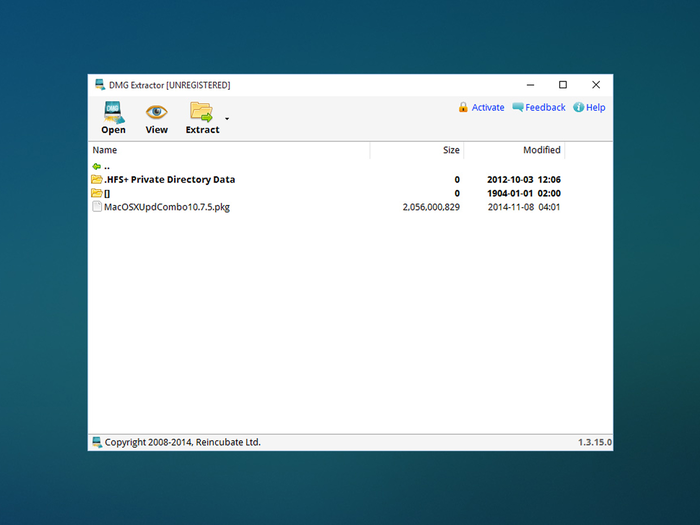
DMG Extractor running on Windows
The app handled encrypted DMGs, files larger than 4GB, and a range of compression formats including Raw, Zlib, and Bzip2. It let users preview images inside archives and extract contents into standard Windows-readable formats.
Why now
The technology landscape has changed significantly since we first launched these apps, and we want to focus our energy on building new experiences, like Camo Studio and Streamlight.
BlackBerry’s smartphone platform has been end-of-life for years. The backups that BlackBerry Backup Extractor works with, from BlackBerry OS 6 and 7 devices, are increasingly rare, and no app has ever supported BlackBerry 10 backups, which further limited its reach to historical backups.
For DMG files, the broader ecosystem has caught up. Tools like 7-Zip can now handle many common DMG formats, and the cross-platform workflows that once made a dedicated extractor essential have evolved alongside cloud-based collaboration.
With these shifts in mind, and a desire to keep all of our products meeting the standards we hold ourselves to, it’s the right time to say goodbye.
What this means for you
If you already have either app installed and licensed, nothing changes immediately. The apps will continue to work as they do today. However, we won’t be releasing further updates, so platform compatibility may degrade over time as Windows or macOS evolve.
If you’re looking for support, we’ll do our best to help with your questions. If something comes up, get in touch and we’ll see what we can do to help.
If you’ve arrived here looking for a way to work with BlackBerry backups or DMG files, we understand this isn’t the news you were hoping for. For DMG files, 7-Zip is a free and capable option, though more complex disk images may still require a Mac. For BlackBerry backup data, the options are limited; if you have a specific need, contact us and we may be able to point you in the right direction.
Looking ahead
We’re proud of what we built with BlackBerry Backup Extractor and DMG Extractor, and the users they helped along the way. Innovating in a tech landscape that is continually evolving comes with its challenges, and sometimes that means putting aside your old ideas to clear the way for new ones. If you’ve been a part of the journey with us, thank you.