


iPhone Backup Extractor free download
Our app only runs on desktop computers, but we'll gladly email you a link for when you're back at your Mac or PC.
Here's how you can recover your data:
- 1Enter your email above
- 2You'll shortly be emailed with instructions on how to install it on your computer
- 3With a computer access, follow the instructions in the email to install iPhone Backup Extractor
- 4Start exploring and recovering your data
Download the free edition or buy now
Try before you buy
Free
- Recover 4 iTunes files
- Preview iCloud devices list
- 4 files from encrypted backup (password required)
- Works with latest iOS
- Screen Time passcode
- 12 months customer support
- 2FA support
- Apple Watch data recovery
- Download iCloud Photo Library
Unlock all features
- Full iTunes support
- iCloud support + iOS 27
- Full encrypted backup support (password required)
- Works with latest iOS
- Screen Time passcode
- 12 months customer support
- 2FA support
- Apple Watch data recovery
- Download iCloud Photo Library
Business
- Commercial license
- High priority customer support
- 25 iCloud devices
- All other features
See what our users think
Miss dlb
After losing all my data on my iPhone 7, due to an encrypted backup in which I didn't not set an encryption key, I cried for days having lost 25,000 photos, all my contacts, voice memos, notes, etc. I reread the Reincubate article. I had read it the first night, but by this time I became desperate enough to reach out. They were able to work with me to recover the password and I was able to restore my data!
Ivana St
Today I thanked God for giving mind to the people who created this program! Thanks to you, I had tears of happiness! All my 33,000 photos have been restored. THANK YOU FROM THE SINCERITY!!! With love from Ukraine!
Regine S.
I lost 10 years of some incredibly important and emotionally significant info when I changed over from an iPhone 11 to a 13Pro and the app that I had been using all these years suddenly disappeared and was nowhere to be found. Contacting Apple was a TOTAL waste of time. I saw the Reincubate program advertised when trying to find a way to get the data back, and man oh man, apparently EVERYTHING could be done!
Thank you for downloading our software!
- Choose one of our plans and have the iPhone Backup Extractor up and running in only minutes.
- Download the free edition to get the hang of things and then upgrade as needed.
- Choose a paid edition to extract all files and data from iTunes backup and iCloud for all iOS devices.
- We'd love to help you recover your data, so if you get stuck drop our support team a note.
30-day money back guarantee
Installation instructions
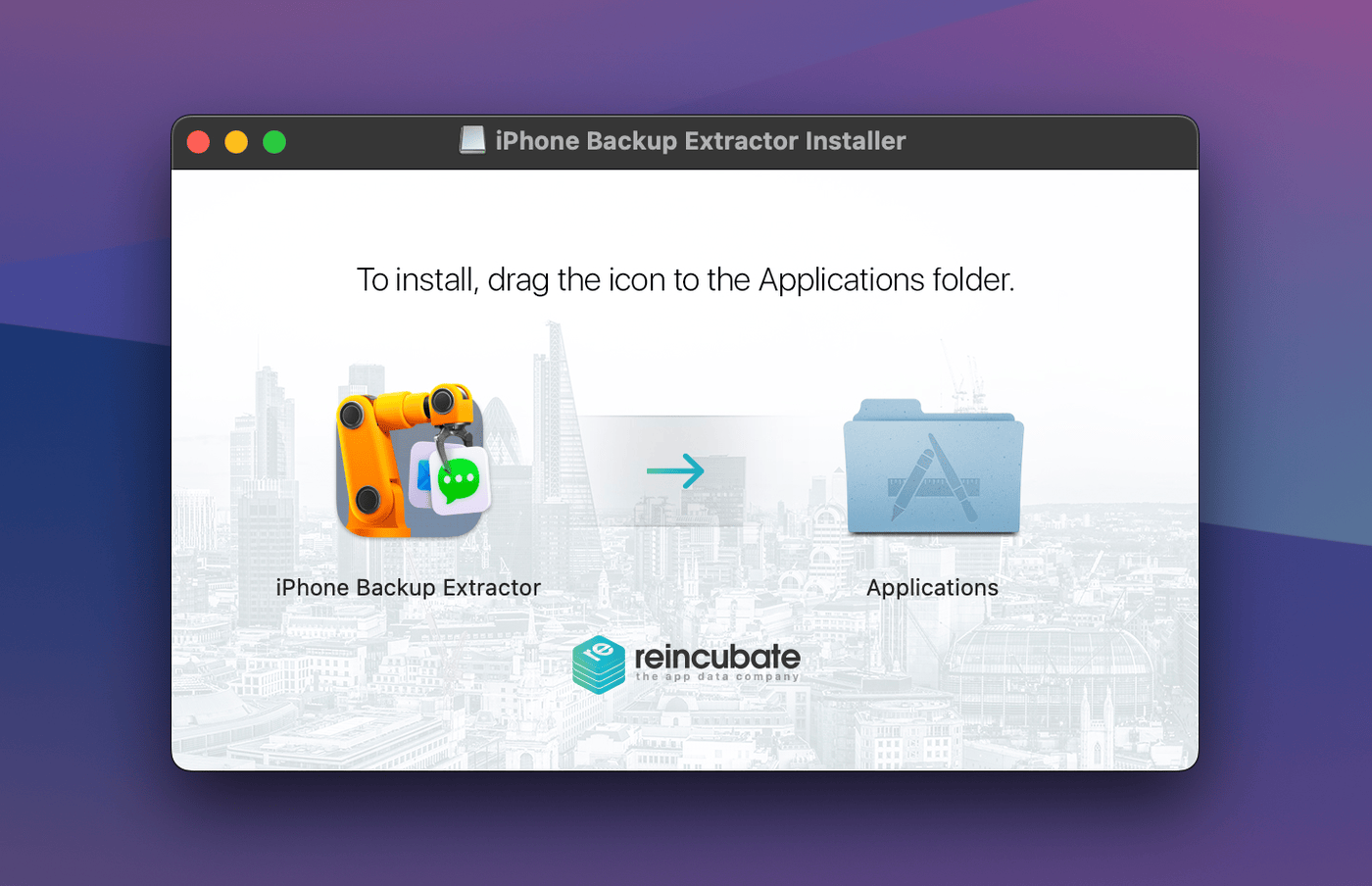
1Drag iPhone Backup Extractor icon to your Applications folder
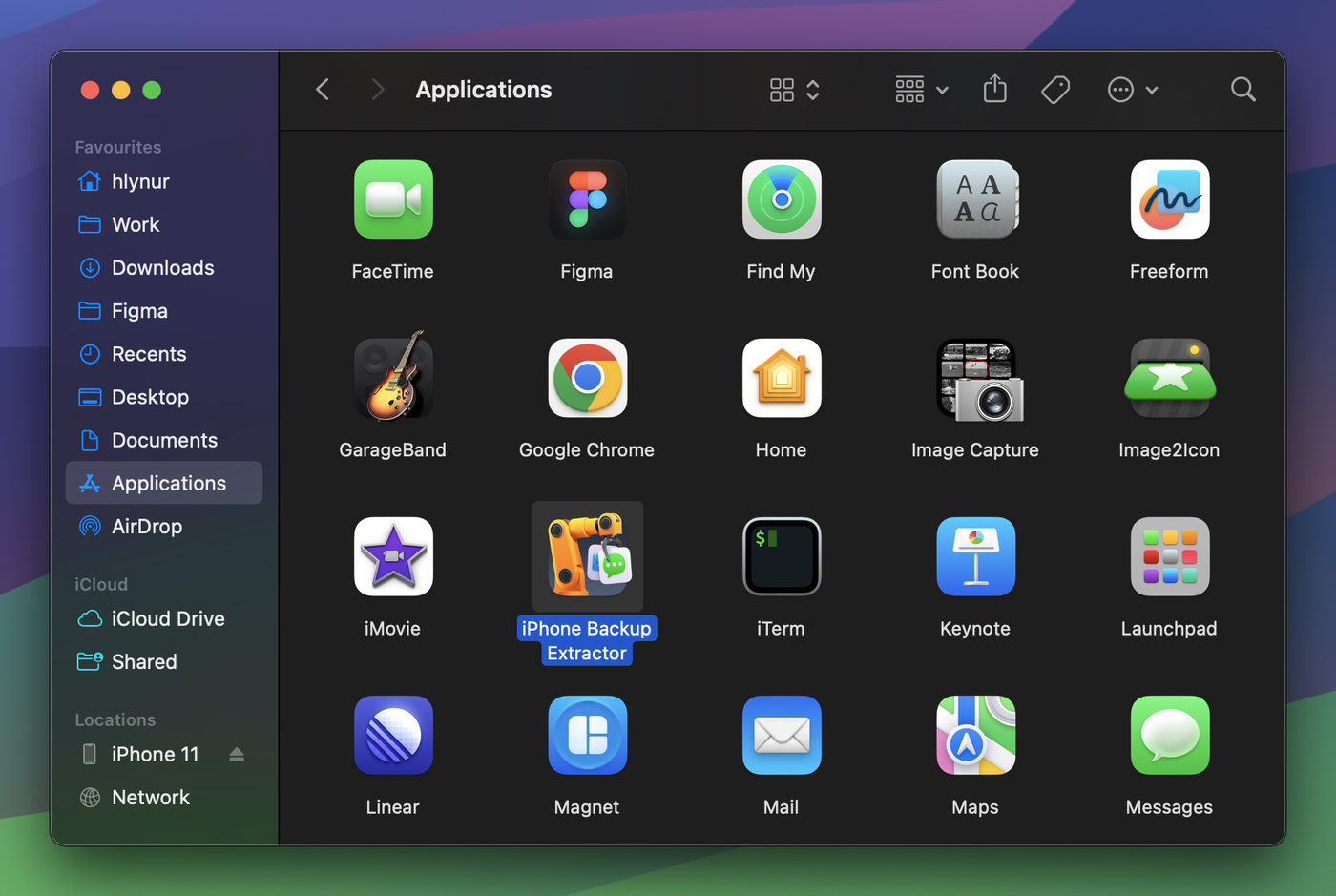
2Launch the software from your Applications folder
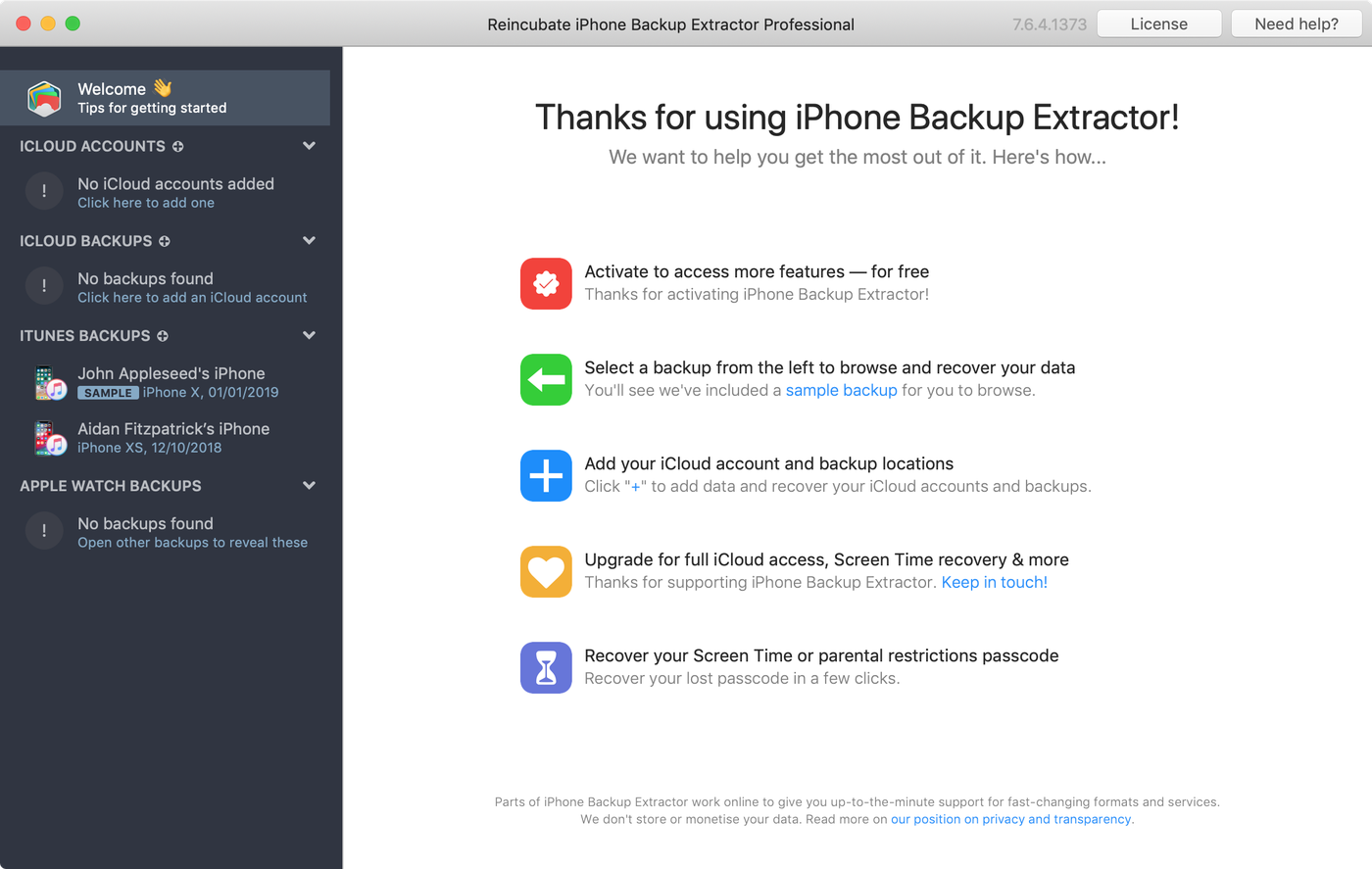
3iPhone Backup Extractor reads iTunes backups and iCloud on your Mac
1Follow the setup wizard to install the software
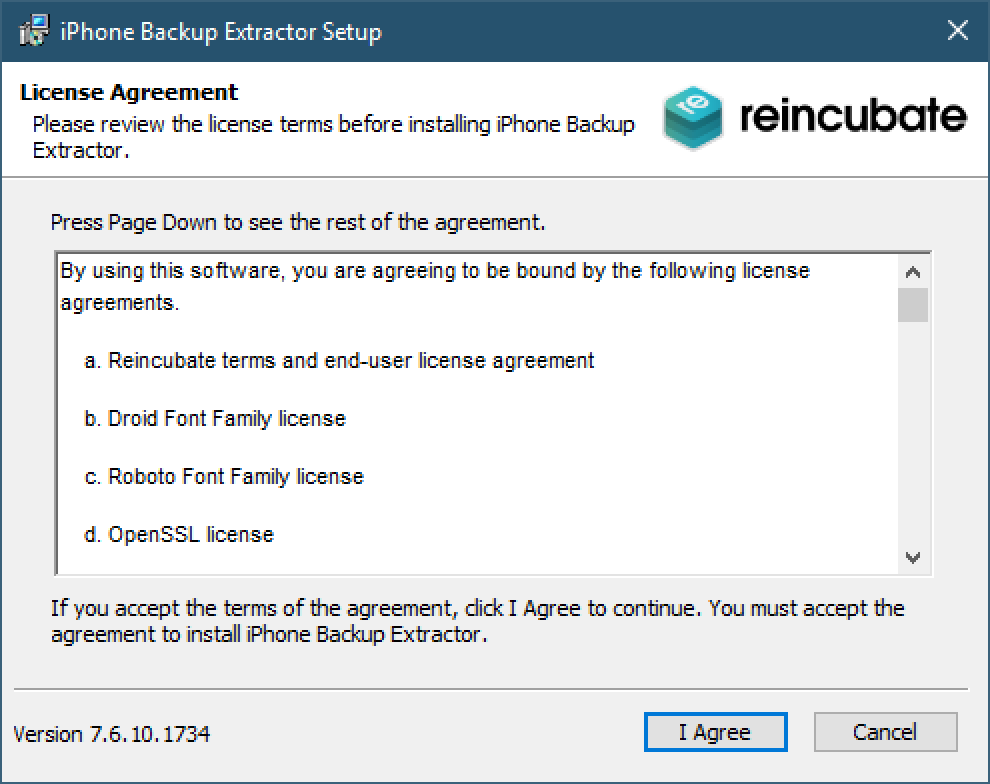
2iPhone Backup Extractor reads iTunes backups and iCloud on your PC
Privacy, security and trust
We're based in the UK, subject to the world's strongest data protection laws. We're serious about privacy and security.
Users rate Reincubate as one of the UK's most-loved software companies. HM King Charles III recognised our work with the King's Award for Enterprise, Britain's highest business honour.
Ready to test it with your iPhone?
Compatible with Mac & Windows PC