


iPhone Backup Extractor無料ダウンロード
このアプリはデスクトップパソコンでのみ動作します。MacやPCに戻ったときのために、リンクをメールでお送りします。
データを復元する方法:
- 1上の欄にメールアドレスを入力します
- 2まもなく、パソコンへのインストール方法を記載したメールが届きます
- 3パソコンで、メールの手順に従ってiPhone Backup Extractorをインストールします
- 4データの閲覧と復元を始めましょう
無料版をダウンロードするか、今すぐ購入
購入前にお試しください
無料
- iTunesファイルを4つまで復元
- iCloudデバイス一覧のプレビュー
- 暗号化バックアップから4ファイル(パスワードが必要)
- 最新のiOSに対応
- スクリーンタイムのパスコード
- 12か月間のカスタマーサポート
- 2ファクタ認証に対応
- Apple Watchデータの復元
- iCloud写真ライブラリのダウンロード
すべての機能をアンロック
- iTunesに完全対応
- iCloud対応 + iOS 27
- 暗号化バックアップに完全対応(パスワードが必要)
- 最新のiOSに対応
- スクリーンタイムのパスコード
- 12か月間のカスタマーサポート
- 2ファクタ認証に対応
- Apple Watchデータの復元
- iCloud写真ライブラリのダウンロード
ユーザーの声
Miss dlb
After losing all my data on my iPhone 7, due to an encrypted backup in which I didn't not set an encryption key, I cried for days having lost 25,000 photos, all my contacts, voice memos, notes, etc. I reread the Reincubate article. I had read it the first night, but by this time I became desperate enough to reach out. They were able to work with me to recover the password and I was able to restore my data!
Ivana St
Today I thanked God for giving mind to the people who created this program! Thanks to you, I had tears of happiness! All my 33,000 photos have been restored. THANK YOU FROM THE SINCERITY!!! With love from Ukraine!
Regine S.
I lost 10 years of some incredibly important and emotionally significant info when I changed over from an iPhone 11 to a 13Pro and the app that I had been using all these years suddenly disappeared and was nowhere to be found. Contacting Apple was a TOTAL waste of time. I saw the Reincubate program advertised when trying to find a way to get the data back, and man oh man, apparently EVERYTHING could be done!
ソフトウェアをダウンロードいただき、ありがとうございます!
- プランを選べば、わずか数分でiPhone Backup Extractorを使い始められます。
- まずは無料版で使い方に慣れてから、必要に応じてアップグレードできます。
- 有料版を選ぶと、すべてのiOSデバイスについて、iTunesバックアップとiCloudからすべてのファイルとデータを抽出できます。
- データの復元をぜひお手伝いさせてください。お困りの際はサポートチームにご連絡ください。
30日間の返金保証
インストール手順
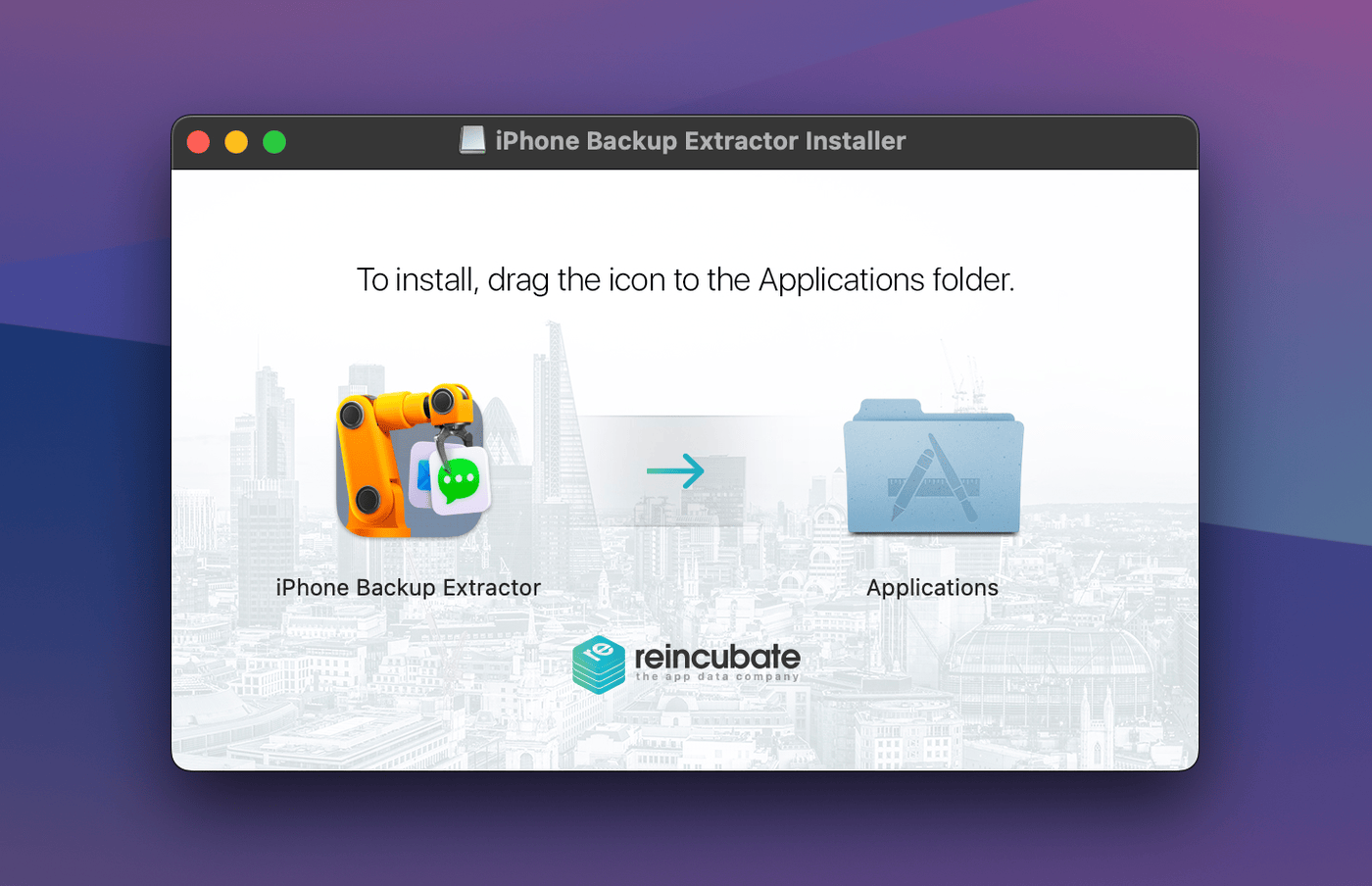
1iPhone Backup Extractorのアイコンを「アプリケーション」フォルダにドラッグします
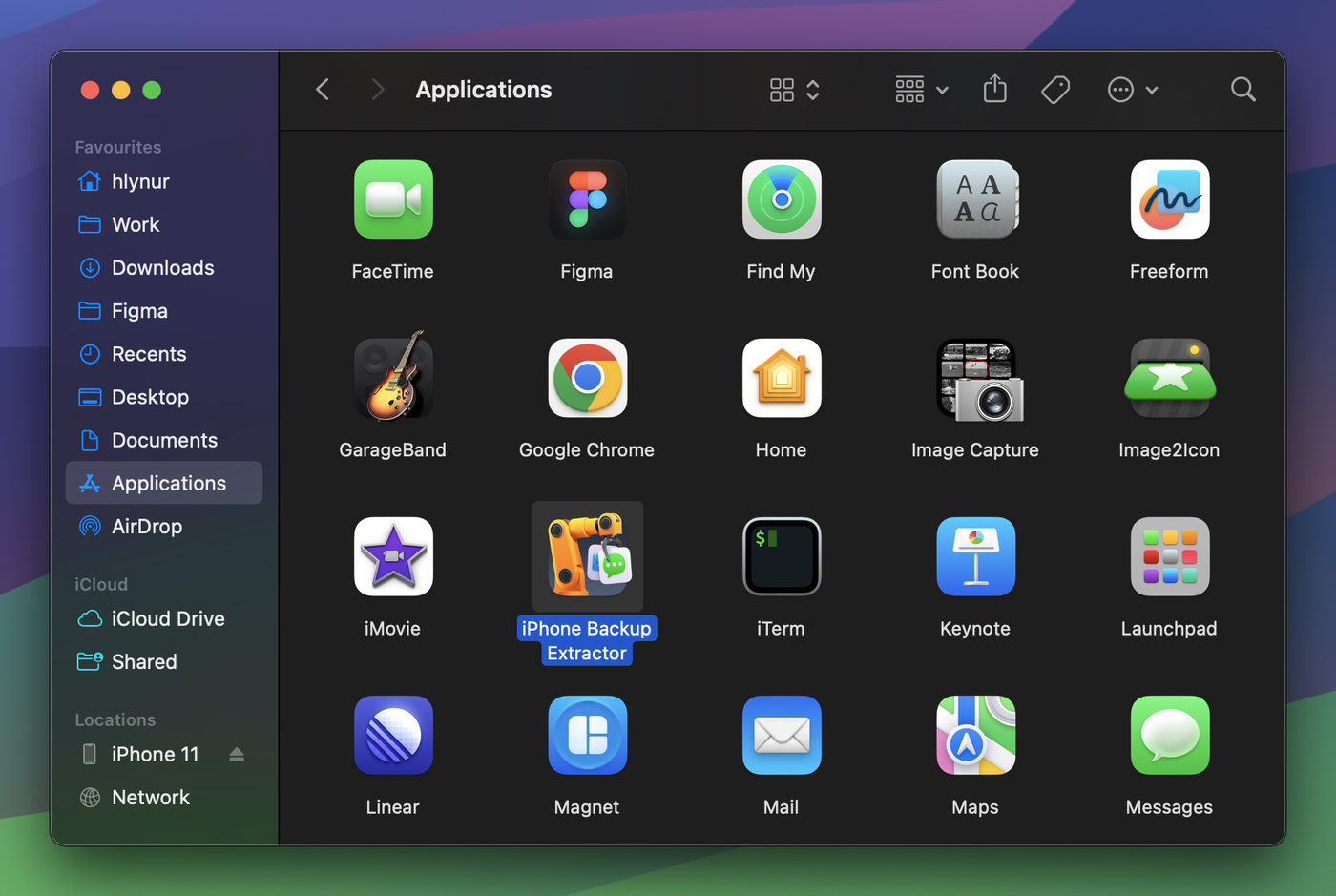
2「アプリケーション」フォルダからソフトウェアを起動します
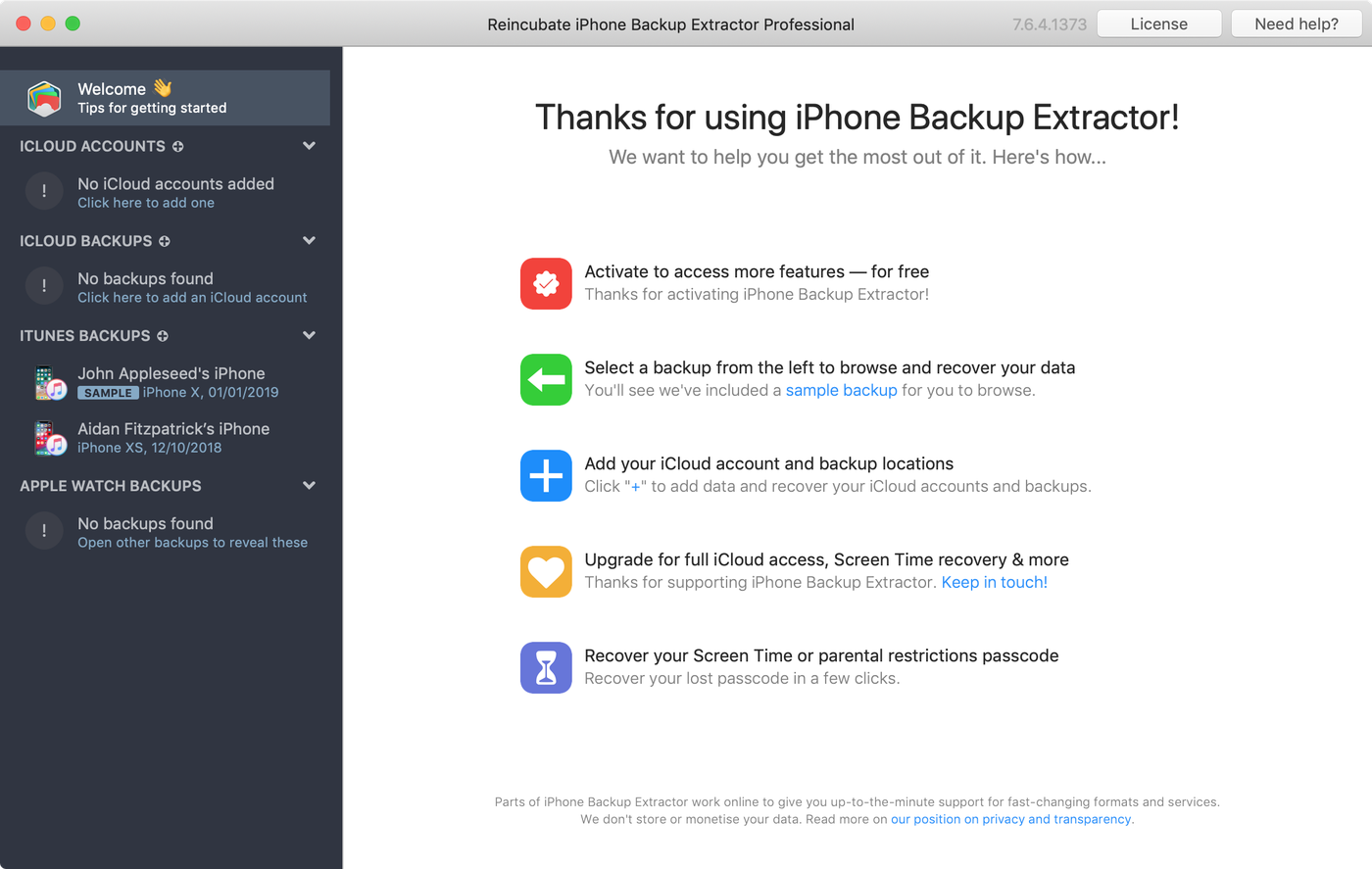
3iPhone Backup ExtractorがMac上のiTunesバックアップとiCloudを読み込みます
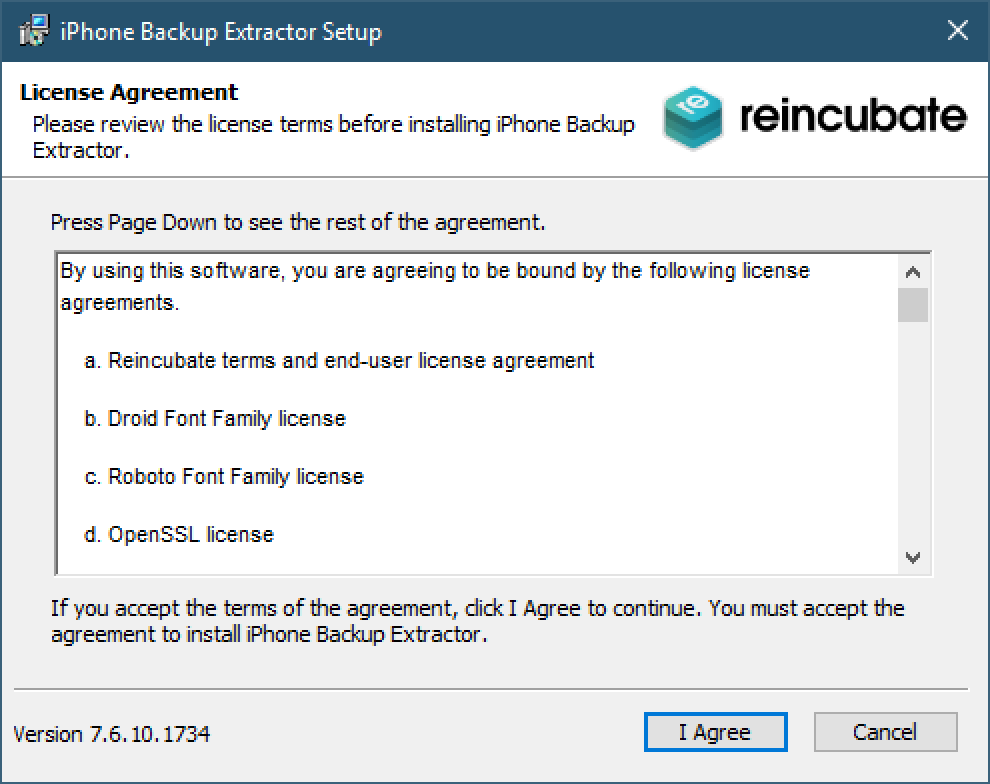
1セットアップウィザードに従ってソフトウェアをインストールします
2iPhone Backup ExtractorがPC上のiTunesバックアップとiCloudを読み込みます
プライバシー、セキュリティ、信頼
私たちは英国を拠点とし、世界で最も厳しいデータ保護法の対象となっています。プライバシーとセキュリティを真剣に考えています。
Reincubateは、英国で最も愛されているソフトウェア企業の1つとしてユーザーから評価されています。チャールズ3世国王は、英国企業にとって最高の栄誉であるKing’s Award for Enterpriseをもって、私たちの取り組みを表彰しました。
iPhoneで試してみませんか?
MacとWindows PCに対応